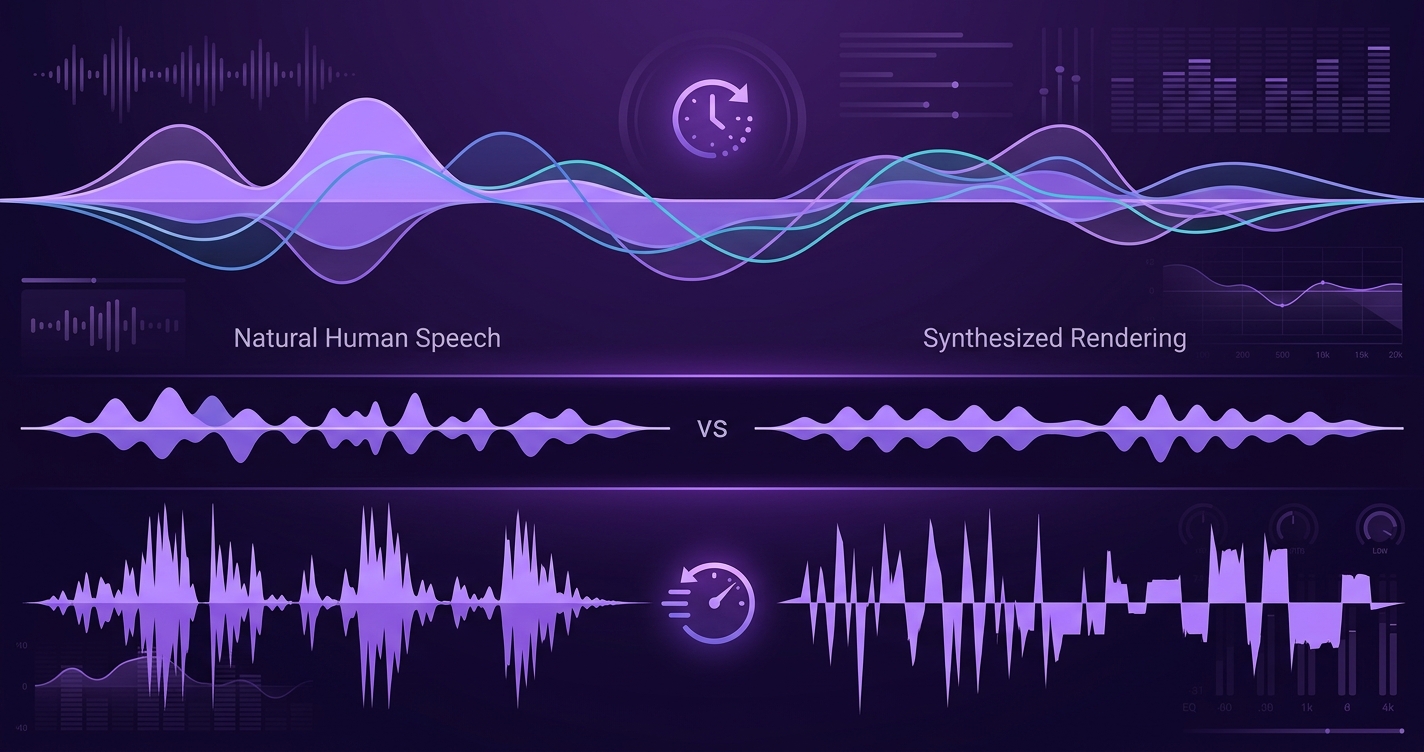
Voice quality in AI companions is the combination of latency, prosody, naturalness, and emotional expressiveness that determines whether a voice conversation feels like talking to a person or listening to a robot read a script. As of 2026, voice is the fastest-growing feature in AI companions — and the quality gap between apps is wide. This article explains what makes voice quality good or bad, why it matters for trust and connection, and how to evaluate it.
The four dimensions of voice quality
Evaluating AI companion voice quality comes down to four measurable dimensions:
- Latency — The time from when you stop speaking to when the AI begins responding. This is the most important single metric. Human phone conversation latency is 200–400ms. Current AI companions range from 600ms (Pi on a fast connection) to 2500ms (Character.ai group calls). Under 1.2 seconds feels natural; above 1.5 seconds feels delayed.
- Prosody — The rhythm, stress, and intonation of speech. Good prosody means the voice rises at the end of a question, stresses key words naturally, and pauses between ideas. Bad prosody sounds like a news anchor reading a teleprompter — technically correct but emotionally flat.
- Naturalness — The absence of artificial artifacts: no robotic buzz, no glitched consonants, no unnatural pauses mid-word, and proper breath patterns between sentences. Modern neural TTS (ElevenLabs, XTTS v2, TidalSpace's custom models) achieves naturalness scores above 4.2/5.0 on MOS (Mean Opinion Score) tests.
- Emotional expressiveness — The ability to convey emotion through vocal tone: warmth, concern, excitement, calm, amusement. This is the hardest dimension and the one most apps get wrong. A voice that sounds "nice" but cannot express concern when you share bad news fails at the core purpose of a companion.
2026 voice quality comparison
| App | Latency | Prosody | Naturalness | Emotion | Overall |
|---|---|---|---|---|---|
| Pi | 600–900ms ★★★★★ | ★★★★★ | ★★★★☆ | ★★★★☆ | Best overall voice |
| TidalSpace | 800–1100ms ★★★★☆ | ★★★★☆ | ★★★★☆ | ★★★★★ | Best emotional range |
| Replika | 1000–1500ms ★★★☆☆ | ★★★☆☆ | ★★★★☆ | ★★★☆☆ | Functional but flat |
| Nomi | 1200–1800ms ★★☆☆☆ | ★★★☆☆ | ★★★☆☆ | ★★★☆☆ | Content over delivery |
| Kindroid | 1000–1400ms ★★★☆☆ | ★★★☆☆ | ★★★☆☆ | ★★★★☆ | Decent emotion, okay latency |
| Character.ai | 1500–2500ms ★★☆☆☆ | ★★☆☆☆ | ★★☆☆☆ | ★★☆☆☆ | Variable by character |
Why latency is the make-or-break metric
Latency is not just about impatience. It fundamentally changes how you communicate. Research from the ACM CHI conference on human-computer interaction shows that when conversational latency exceeds 1.5 seconds, three things happen:
- Users shorten their utterances — They speak in shorter, simpler sentences because the long pauses make them doubt the AI understood them.
- Users stop using emotional language — The delay creates emotional distance. People are less likely to share vulnerable or personal content when the response feels disconnected from their expression.
- Users perceive the AI as less intelligent — Even when the content of the response is identical, higher latency leads to lower perceived intelligence ratings. The brain equates speed with competence.
In voice-first AI companions, latency is the new loading spinner. A 2-second delay in a text chat is mildly annoying. A 2-second delay in a voice call kills the conversation. The tolerance window is much narrower because voice is a real-time medium — your brain expects immediate feedback the way it does in human conversation. This is why achieving sub-1.2-second latency is not an optimization — it is a requirement for voice companions to work at all.
Prosody: the difference between reading and speaking
Most TTS systems in 2026 can produce intelligible, clear speech. The gap is in prosody — how naturally the speech flows. Consider these two renderings of the same sentence:
- Flat prosody: "That's really great news." — Even pacing, level pitch, no emphasis on "really." Sounds like a robot being polite.
- Natural prosody: "That's really great news!" — Slight elongation on "really," pitch rise on "great," falling intonation on "news" that signals genuine enthusiasm.
The words are identical. The prosody makes one feel authentic and the other feel performative. For AI companions, this distinction is critical because companionship depends on perceived authenticity.
TidalSpace's TTS pipeline uses emotion-conditioned prosody modeling: the LLM generates not just text but also emotional tags (enthusiasm, concern, curiosity, etc.) that the TTS model uses to shape prosody. This adds about 50ms to synthesis time but produces noticeably more natural speech.
Emotional expressiveness: the hard problem
Emotional expressiveness is the voice quality dimension that matters most for companionship but is hardest to engineer. The challenge is not technical — it is perceptual. Humans are exquisitely sensitive to emotional authenticity in voice. We can detect insincerity in a fraction of a second from vocal cues alone.
Current approaches to emotional expressiveness in AI voice:
- Emotion tagging — The LLM annotates its response with an intended emotion. The TTS model uses this tag to select prosody, pitch range, and speaking rate. TidalSpace and Pi use this approach. It works well for primary emotions (happy, sad, concerned) but struggles with mixed or subtle emotions.
- Reference audio — The TTS model is trained to match the emotional style of a reference audio clip. This produces more nuanced expressiveness but requires a large library of reference clips for each character voice.
- End-to-end emotion modeling — Some research systems (not yet in production companion apps) train a single model that takes text + emotion context as input and directly outputs expressive audio, bypassing the separate text→emotion→TTS pipeline. This approach shows promise for more natural emotion but is computationally expensive.
The hardware advantage: why Tidal Seal changes voice interaction
Voice quality in AI companions is not just about the synthesis — it is about the interaction paradigm. Phone-based voice calls require you to open an app, tap a button, and hold your phone. This adds friction that changes how you use voice.
Tidal Seal eliminates this friction. Your companion is always there — you say the wake phrase and start talking. The voice quality is the same as the app (same cloud TTS pipeline), but the interaction pattern is fundamentally different:
| Aspect | Phone-based voice | Tidal Seal (ambient voice) |
|---|---|---|
| Initiation | Open app → tap call → wait for connection | Say wake phrase → start talking |
| Hands-free | Limited (speakerphone/earbuds) | Fully hands-free |
| Microphone quality | Phone mic (variable) | Dedicated MEMS array (consistent) |
| Social context | Clearly "using phone" | Similar to talking to a smart speaker |
| Frequency of use | 1–3 sessions/day | 3–8 brief interactions/day |
| Session length | 5–15 minutes | 30 seconds – 5 minutes |
The shift to ambient voice changes the nature of the relationship. Instead of "I am having a voice call with my companion," it becomes "my companion is here, and I can just talk." This is the same transformation that smart speakers made for music — from "I am playing a song" to "music is just playing." For a complete comparison of voice across all major companion apps, see our guide to voice AI companions.
How to test voice quality before committing
If you are evaluating AI companion apps and voice quality matters to you, here is a practical testing protocol:
- Test with a natural conversation, not a demo — Say something personal and open-ended. "I had a rough day at work and I'm not sure what to do about it." Listen for: natural prosody (does the voice rise at the right places?), emotional tone (does it sound concerned?), and pacing (are pauses natural?).
- Test with a follow-up question — After the AI responds, ask a follow-up. "What do you think I should do?" Listen for: coherence with the previous response, and whether the voice maintains emotional consistency.
- Test with humor — Tell a joke or say something mildly funny. Listen for: does the AI laugh? Does its tone shift to match? A flat response to humor is a strong signal of limited emotional expressiveness.
- Test on your actual connection — Latency depends heavily on your network. Test on Wi-Fi and on cellular. Some apps degrade more gracefully than others on slower connections.
- Compare multiple sessions — Voice quality can vary between sessions due to server load and model routing. Try at least 3 sessions at different times of day.
Hear the difference — try TidalSpace voice
Expressive voice, sub-1.2s latency, and hands-free with Tidal Seal.
Get TidalSpace →